
Product
The Day-29 Problem: What to Instrument Post-Launch
What founders must measure the morning after launch before spending money on marketing. The minimal 4-point telemetry stack that reveals drop-off.

When a team completes a twenty-eight-day build sprint, there is an understandable temptation to celebrate. The core workflow runs on production, payment processing is connected, and the domain DNS resolves cleanly.
Then comes day twenty-nine.
The product is live to the public. The founder posts an announcement on LinkedIn or sends an email to fifty waitlist leads. Twenty people click the link, three create accounts, and then everything goes silent.
Did those seventeen visitors leave because the value proposition was weak? Did the registration form throw an unhandled JavaScript error on Safari mobile? Did the onboarding email get routed to the spam folder?
Without instrumentation, founders cannot answer these questions. They spend money on marketing and paid advertising to drive more traffic into a leaky bucket, completely unaware that a broken form input or a confusing third screen is killing user activation.
Here is the minimal four-point telemetry stack that every product must have running on day twenty-nine before spending a single dollar on distribution.
The day-29 telemetry architecture
You do not need an enterprise observability suite or a dedicated data team. You need four specific telemetry loops wired to alert you when user friction occurs:
flowchart TD
    subgraph UserJourney["User Funnel"]
        Visit["1. Landing Page Visit"] --> Signup["2. Registration Attempt"]
        Signup --> Activation["3. Core Transaction Completion"]
        Activation --> ReturnVisit["4. Day 7 Return Visit"]
    end

    subgraph TelemetryStack["Deterministic Telemetry Stack"]
        Visit -.->|Plausible / Webhook| FunnelMetric["Activation Funnel Counter"]
        Signup -.->|Sentry / Error Handler| ErrCatch["Unhandled Client Exception Alert"]
        Activation -.->|Database Query / Cron| MetricDB["Completed Transaction Rate"]
        ReturnVisit -.->|Weekly Cohort Query| RetentionTable["7-Day Retention Metric"]
    end

    subgraph Alerts["Founder Notification Channel"]
        ErrCatch --> Slack["Founder Telegram / Slack Alert<br/>(Immediate notification on 5xx or unhandled JS)"]
        FunnelMetric --> Summary["Daily Metrics Summary Email"]
    end
| Layer | Question It Answers | Recommended Tool | Alert Condition |
|---|---|---|---|
| 1. Unhandled Errors | Is the interface breaking on real devices? | Sentry or GlitchTip | Any unhandled 500 error or frontend exception alerts immediately |
| 2. Funnel Activation | Where do users drop out before the core job? | PostHog or database audit log | Registration to first completion rate falls below 40% |
| 3. Core Transaction Volume | Did anyone actually complete the primary job today? | Direct SQL dashboard / query | Daily count of primary state mutations |
| 4. In-App Friction Signal | What confusing step caused users to abandon? | Native feedback widget / Crisp | Immediate notification when a user submits a question |
1. Unhandled client and server exceptions
Never rely on users to tell you when something is broken. When a user encounters an unexpected bug during onboarding, they do not file a bug ticket. They close the browser tab and never return.
Before sending your first announcement:
- Connect an error tracking service like Sentry or self-hosted GlitchTip.
- Configure source maps so error traces point to the exact TypeScript file and line number rather than minified bundle code.
- Route error notifications directly to a dedicated Slack channel or Telegram bot.
When an exception triggers, inspect the payload immediately: browser version, operating system, network status, and the user’s action immediately before the crash. Fixing a mobile rendering bug within fifteen minutes of a visitor reporting it turns a skeptical visitor into an advocate.
2. The single activation funnel metric
Many founders install Google Analytics or Mixpanel and track eighty-five different button hover events. They end up with cluttered dashboards and zero actionable clarity.
Focus on one three-step conversion funnel:
[Visits Landing Page] ──> [Creates Account] ──> [Completes Core Mutation]In Ankik, the activation funnel is simple:
- User registers an account.
- User enters company details.
- User posts their first ledger invoice.
If a hundred people sign up and eighty-five post an invoice, your onboarding is functional. If a hundred people sign up and four post an invoice, your interface is blocking users.
By measuring the drop-off rate at each step, you know exactly where to intervene:
- Drop-off between visit and signup indicates a messaging or positioning problem.
- Drop-off between signup and first invoice indicates interface confusion or excessive onboarding form fields.
3. Direct SQL query for completed transactions
Third-party analytics tools can fail due to ad blockers or client tracking prevention. Your production database never lies.
Create a simple daily SQL script or a lightweight Metabase/Metabase-alternative dashboard that counts completed business transactions:
-- Daily core transaction volume check
SELECT
    DATE(created_at) AS date_day,
    COUNT(DISTINCT organization_id) AS active_tenants,
    COUNT(id) AS total_invoices_created,
    ROUND(SUM(amount_cents) / 100.0, 2) AS total_volume_transacted
FROM invoices
WHERE created_at >= NOW() - INTERVAL '7 days'
GROUP BY DATE(created_at)
ORDER BY date_day DESC;
This query tells you the ground truth: are real accounts logging in and performing work? If active tenants count increases while total invoices created remains flat, users are logging in but failing to find utility.
4. An immediate, low-friction feedback channel
In the first thirty days post-launch, your most valuable asset is raw, unvarnished user feedback.
Do not send forty-question survey forms via email two weeks later. Add a visible, single-input feedback widget directly inside the application interface:
// Minimal in-app feedback submission
async function submitFrictionReport(message: string) {
  await fetch("/api/feedback", {
    method: "POST",
    headers: { "Content-Type": "application/json" },
    body: JSON.stringify({
      message,
      currentUrl: window.location.pathname,
      browser: navigator.userAgent,
    }),
  });
}
When a user gets confused, they can type two sentences and click submit. Send this feedback directly to your phone via webhook. When a user submits “I cannot figure out how to add sales tax to this invoice,” reply personally within twenty minutes explaining the feature.
Early-stage software retention is built through rapid, responsive human engineering support.
Measure first, scale second
Launching a product is not the finish line. It is the beginning of the learning loop.
Before launching marketing campaigns, make sure your telemetry is running. When you can see every unhandled error, identify every funnel drop-off point, and observe real database activity daily, you can iterate calmly based on facts rather than assumptions.
To learn how we build and instrument production MVPs in four weeks, read our 28-day build sprint breakdown or reach out to our engineering team.
OUR WORK
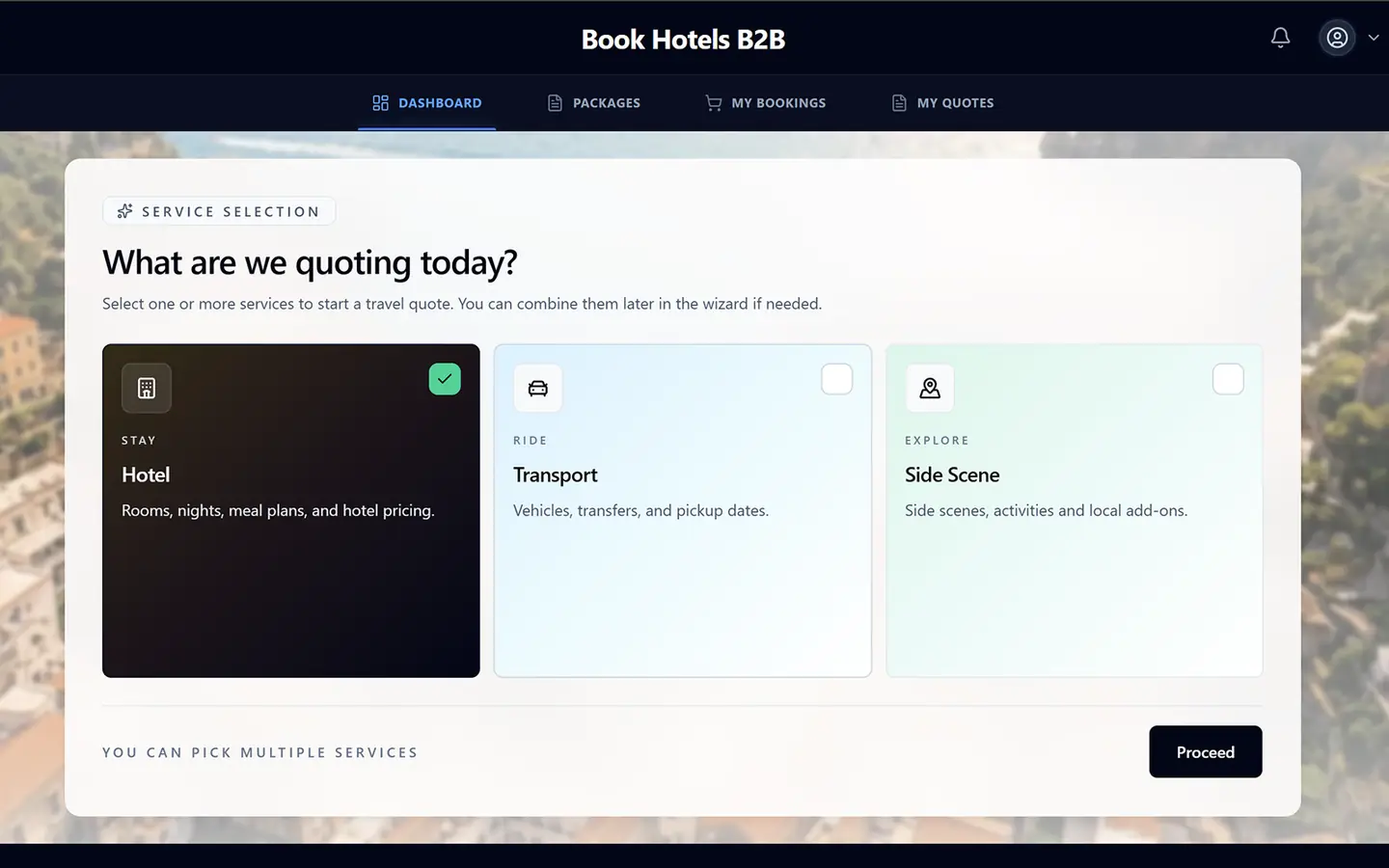
Book-Hotels-B2B
2026B2B travel agency platform with quote-to-invoice automation.
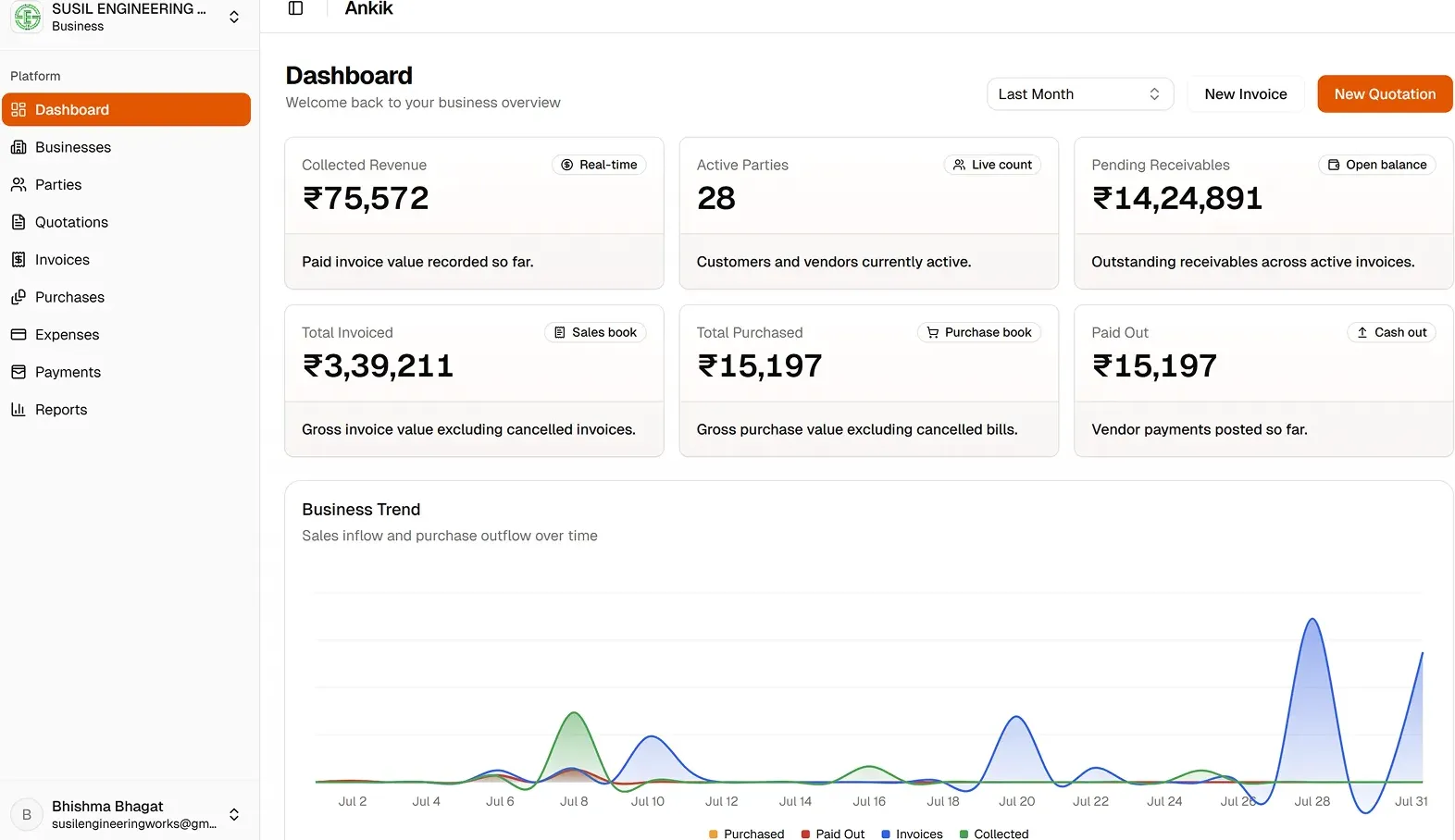
Ankik
2026Desktop-first accounting workspace for SMEs, 0 to launch.
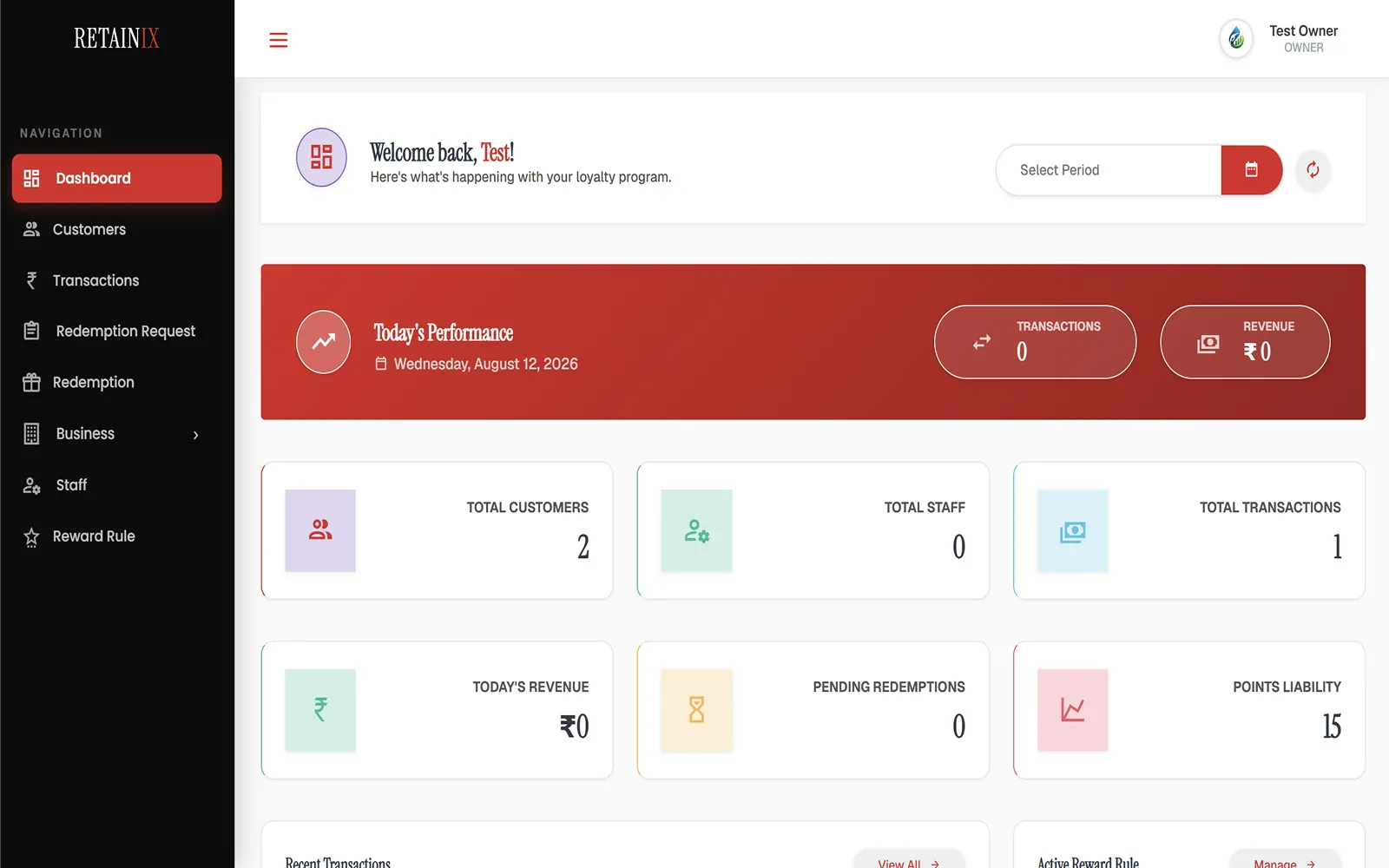
Retainix
2025Multi-branch loyalty & cashback platform for petrol pumps & retail.
BOOK A CALL
Ready to turn your idea into a live product?
Schedule a 15-minute scoping call with Dhanji below. We'll discuss your scope, timeline, and tech strategy honestly.